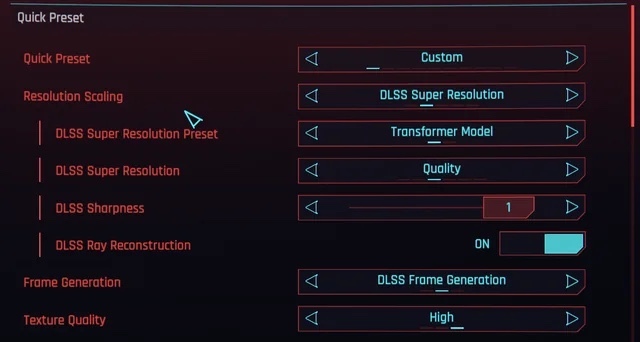
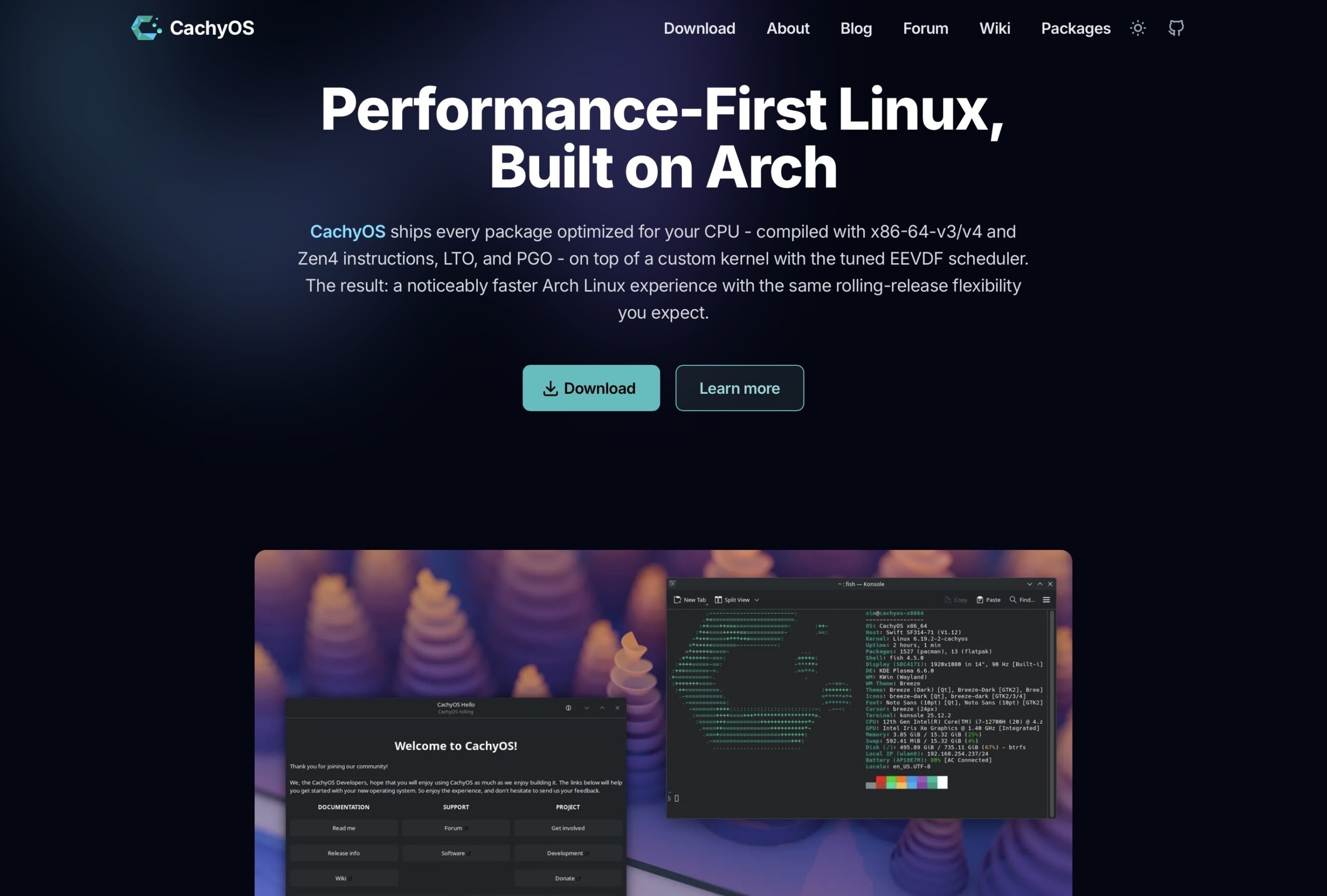
For a good while I’ve been put off trying Linux as all I’ve heard is if you’re an Nvidia user it’s not good. After using CachyOS for a month now I can say it’s perfectly fine to daily. Gaming performance has been very good with only some issues that ProtonDB helped me solve. In fact it’s what I’ve been playing Black Flag Resynced on, haven’t dipped below 100fps
Now don’t get me wrong. It isn’t perfect. My second monitor had issues on boot with resolution and refresh rate even when it was the only monitor. And the issue only existed on proprietary Nvidia drivers. Now I’m no expert but I think it’s more an EDID issue with my monitor and I probably could’ve fixed it. But I needed Fusion360 anyway so that monitor just became one for a Mac Mini M2 that I managed to get for a good price.
Now this is after much distro hopping. To find what’s best for me. CachyOS was the only one that played well with my 2.5G PCIe Ethernet card. Other distros I’ve tried would require out of tree drivers and personally I’d just rather it work out of the box.
This is all to say I really am pleased with my setup now and I think the issues with Nvidia hardware on Linux are massively overstated today. It just feels to me like a massive improvement over Windows with the only downside for me personally being Fusion360 which I did try to get running and couldn’t, maybe there’s a way but I’ve got a setup that suits me.